Кураторское руководство по Malfoid.
Malfoid Profile Pictures: Square Originals and Crop Checks
Compare square originals and portrait choices, with small-size framing and creator-credit checks.
Start with the complete original image. A download link preserves the collected file; choosing it here does not grant public reuse rights.
Compare square and circular framing
Use the preview page to switch between square and circle masks and compare the same images at 48 pixels. It changes the framing on screen, not the original file.
- Open the framing preview ↗
Bilingual English/Chinese controls; two square originals with creator credits.
Square originals
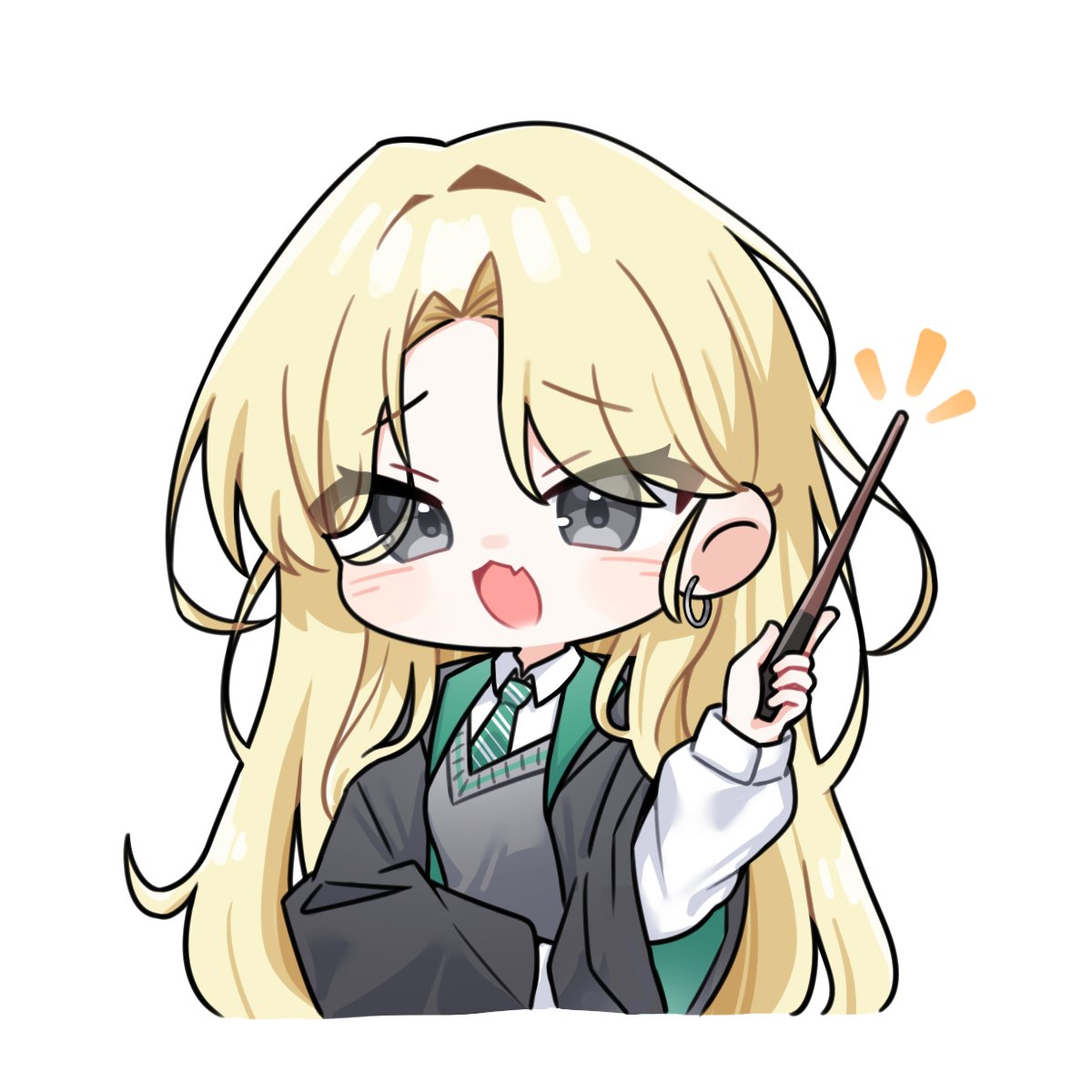
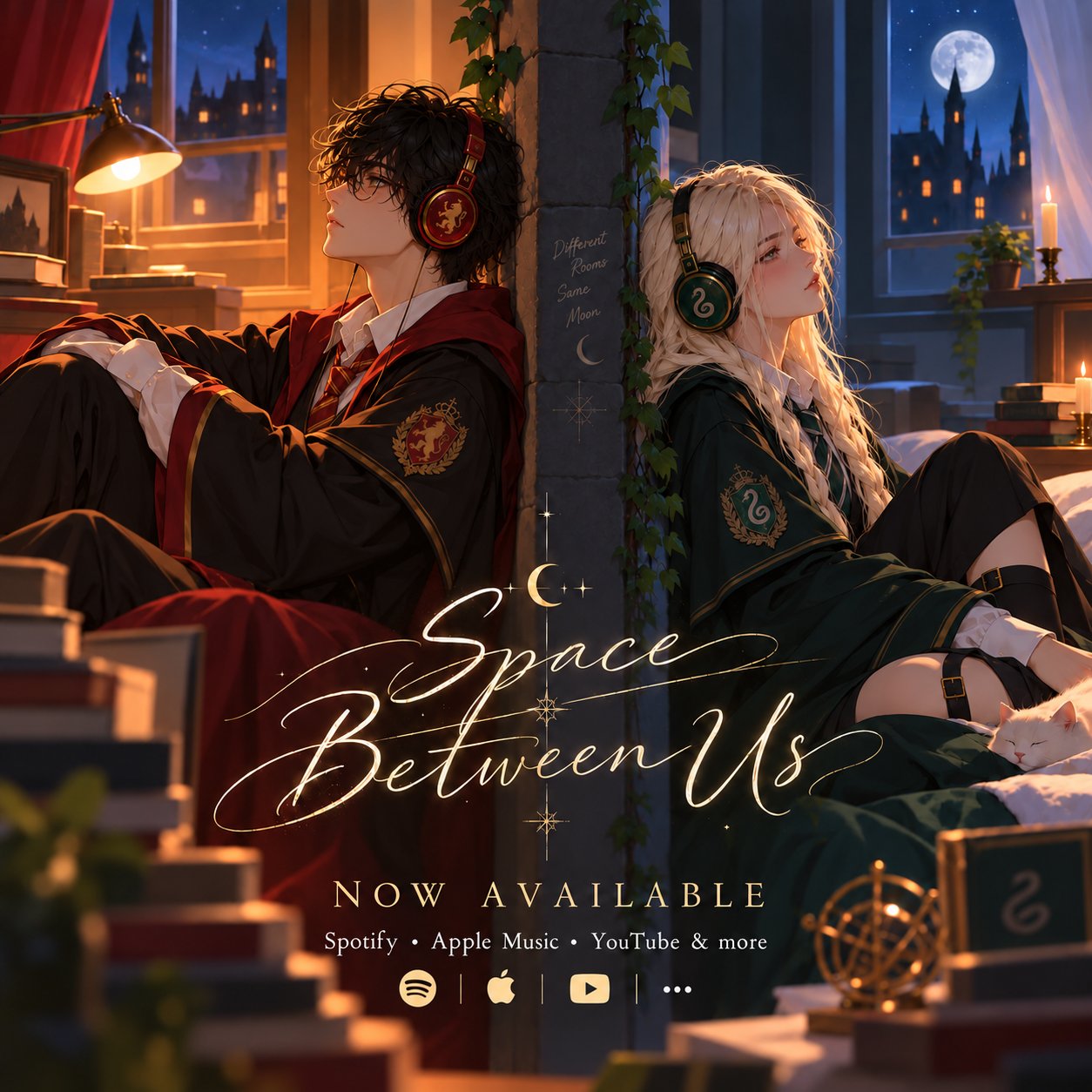
A 1254 × 1254 paired composition for readers who want both characters.
Посмотреть иллюстрацию- Chibi with a Wand — full original ↗
Artist: whdgua_0820. Retain visible marks and check the original post before public reuse.
- Space Between Us — full original ↗
LadyWasabi / LouieVerse; retain the complete composition and creator credit.
A portrait instead of a square
Try a face-forward portrait if the square compositions are too busy. Compare the full image against the circle in your destination app before saving any change. Do not crop out signatures or treat a source-comment sharer as the original artist.
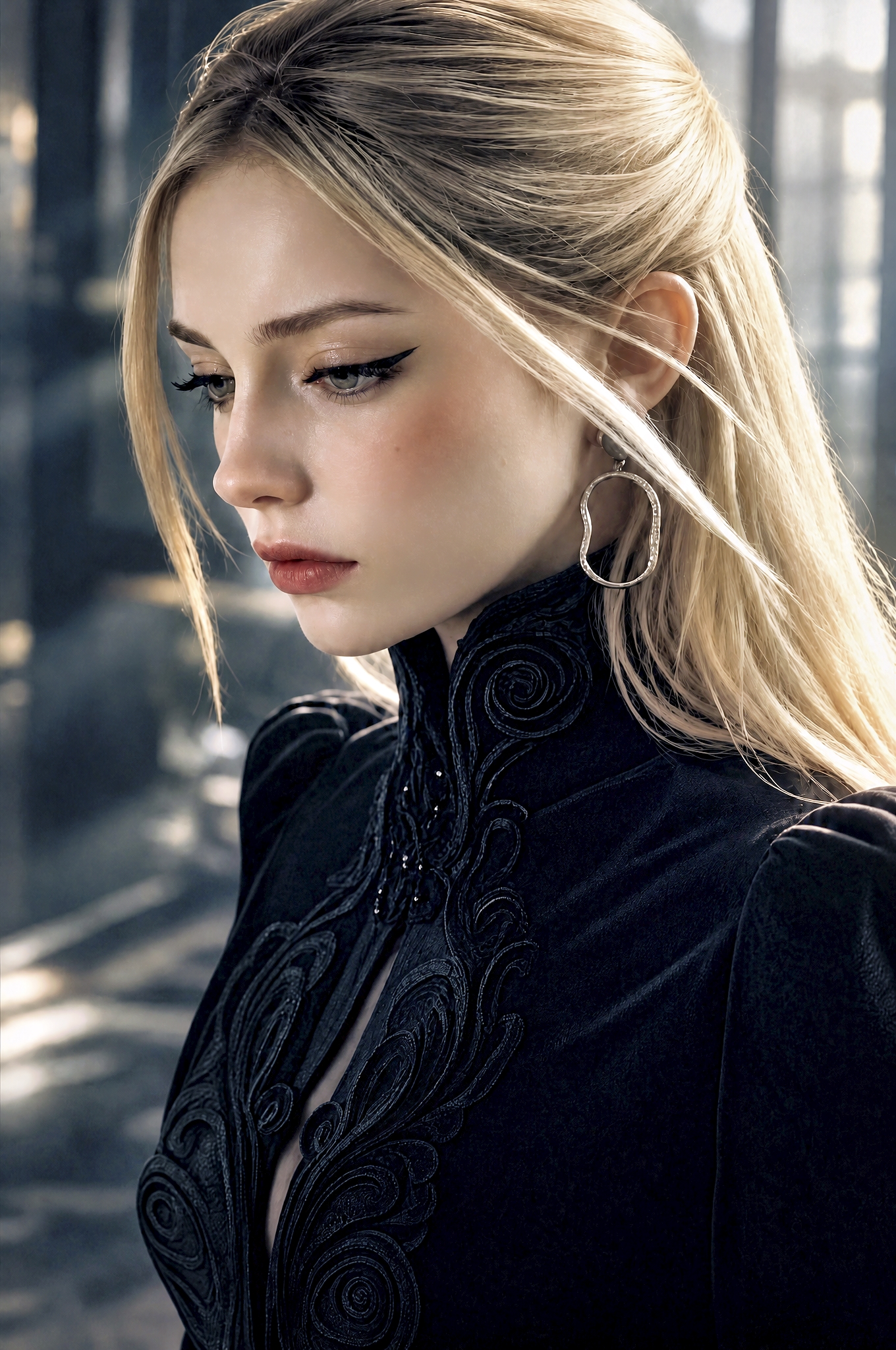
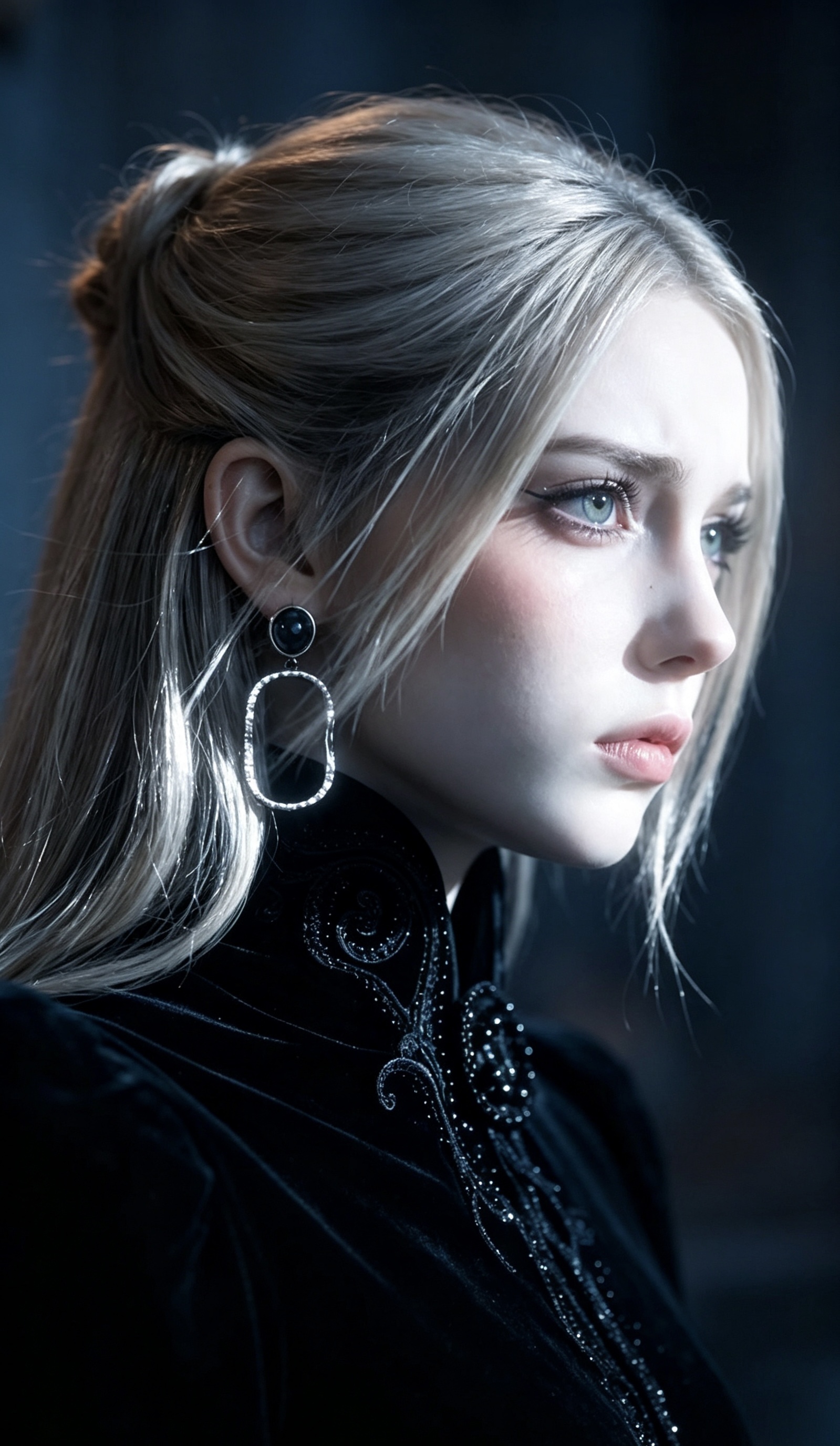
A quick framing check
First preview the entire image as a square, keeping the face and all visible marks. Then switch to the circular mask in your profile editor and inspect the edges.
Check it at about 48 pixels as well as at full size: the face should remain recognizable, the wand or hair should not become a distracting sliver, and any required credit must remain readable or be supplied as the creator requests.
Keep your original file and attribution. If the creator has not given avatar-use terms, check with them before public use; an image being visible in this collection does not answer that question.